Share the video
Open a how-to video and share its link to SaySo.
Turn a how-to video into a short sequence you can follow while your hands are on the project. Here is a method that works with a notes app or SaySo.

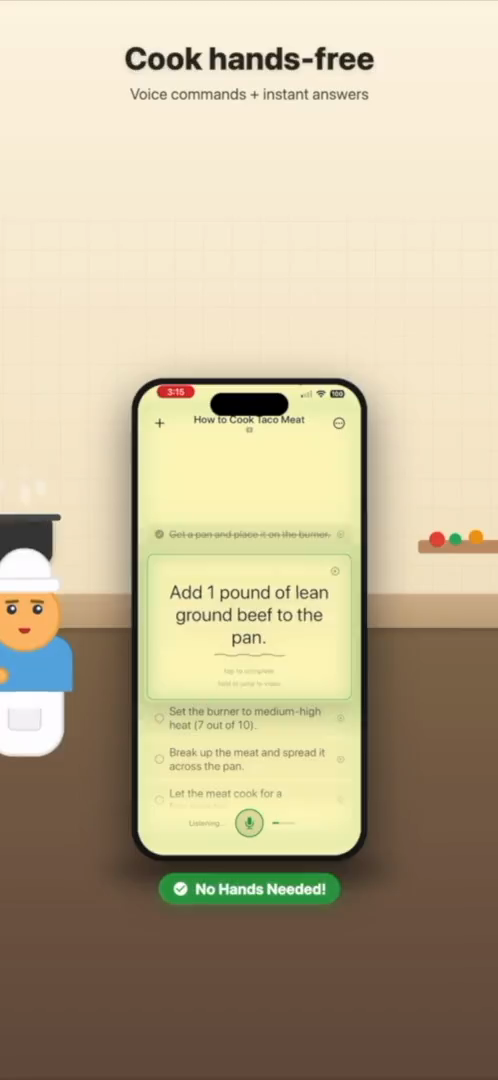
SaySo keeps a guided task visible while you work.
Make the list useful at the moment you are doing the work.
Watch the video once, or use its chapters and transcript if available. Note the goal, the tools or ingredients, and any steps that must happen in a fixed order. Do not copy the creator's introduction or commentary into your checklist.
Start with the things you need before the first action: materials, workspace setup, and any waiting time. This keeps an easy-to-miss prerequisite from interrupting you halfway through.
Begin each item with a verb such as gather, cut, attach, stir, or check. Split a long instruction when it asks you to do two separate things. Keep the wording short enough to understand at a glance.
Add a timestamp beside a step when you need to see a hand position, measurement, or technique again. The checklist is for sequence; the video remains the source for details you should not guess.
Read the list from top to bottom and fix missing or out-of-order actions. If a step depends on something unclear in the video, check the original tutorial before treating the checklist as complete.
The exact technique comes from the video; the checklist keeps the actions in view.
This is an illustrative outline, not a replacement for the original tutorial. A more complex project may also need measurements, safety notes, or checkpoints between steps.
SaySo can help when you would rather work from guided steps than write the list yourself.
Open a how-to video and share its link to SaySo.
Review the generated tasks against the original video. Add any missing materials or visual cues.
Use the checklist to keep your place and return to the video whenever you need to see a detail.
YouTube imports are free; Pro adds unlimited TikTok and Instagram imports. Import needs an internet connection and results vary by video. See the exact SaySo import controls and troubleshooting steps, or use the manual method above if instructions are missing.
Watch or scan it once, write the actions in order, put tools and materials first, and add timestamps where you need to see a detail again. On iPhone, you can share the video to SaySo and review the generated steps before starting.
Watch it in sections and pause at each change of action. Write a short verb-led step for each action, then add a timestamp for anything you will need to see again.
No. Keep the tutorial available for technique, measurements, and safety details. The checklist helps you keep your place in the sequence.
Download SaySo for iPhone and turn video instructions into doable tasks.